
Screen Recorder Video Recorder
VIDEOSHOW Video Editor & Maker & AI Chat GeneratorVideo Players & Editors
4.434.89K Reviews
- Version
- 8.3.0.0
- Installs
- 100.00M
- Age Rating
- Everyone
Screenshots
Our Review of Screen Recorder Video Recorder
 Analysis by Appyee
So, I just got my hands on the Screen Recorder Video Recorder app, and let me tell you, it's been quite the journey exploring its features. Whether you're a content creator, gamer, or just someone who loves capturing moments on your screen, this app has some neat tricks up its sleeve. Let's dive into it!
Getting Started with Screen Recorder Video Recorder
First things first, downloading the app was a breeze. Available on both Android and iOS, you can easily snag it from your respective app store. Once installed, the setup process is pretty straightforward. You get a quick tutorial on how to kick things off, which is super helpful, especially if you're new to screen recording.
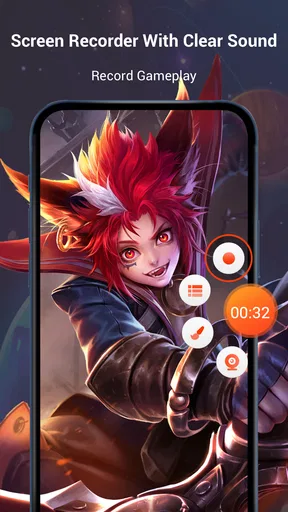
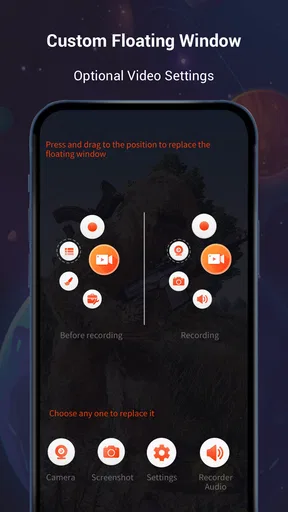
The interface is clean and intuitive. You've got this nifty little floating button that lets you quickly start and stop recordings without having to navigate away from whatever you're doing. This is a game-changer for those spur-of-the-moment captures.
Features That Stand Out
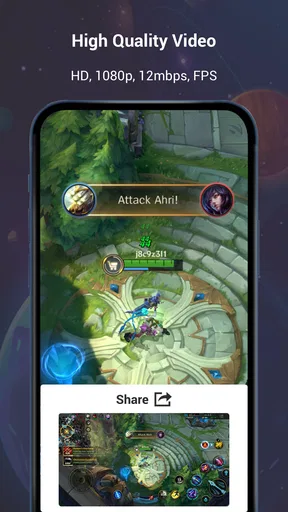
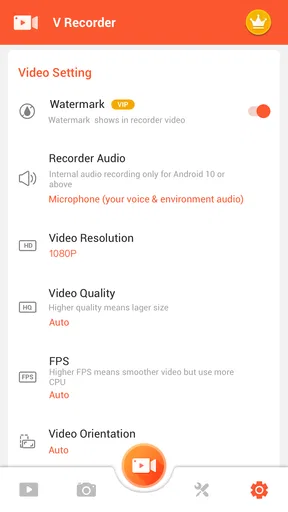
Alright, let's talk features. Screen Recorder Video Recorder isn't just about recording. It's packed with options that make the entire experience pretty seamless. For starters, you can record in various resolutions, which is perfect if you’re looking to save storage or want to capture in HD.
One of my favorite features is the ability to include audio in your recordings. Whether it's internal audio or through the microphone, this is perfect for tutorials, commentary, or just capturing the essence of whatever you're recording. Plus, the audio quality is surprisingly crisp!
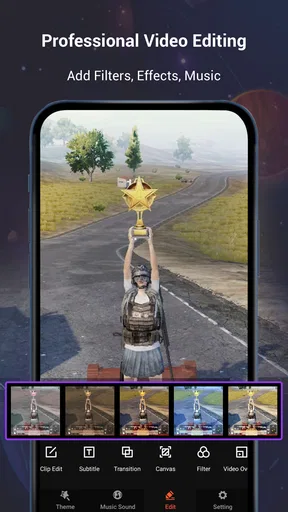
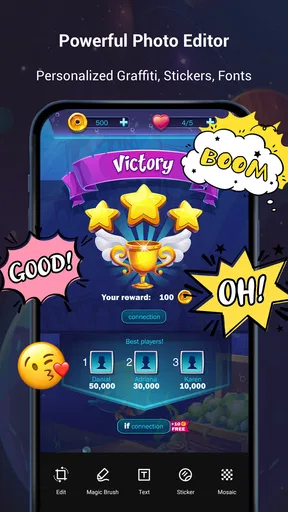
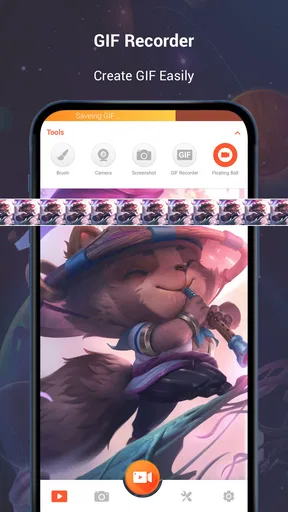
Another cool feature? The editing tools. Right after recording, you can trim, cut, or add music to your videos. There's also an option to add text or stickers, which is great for adding a personal touch to your clips. It's like having a mini editing suite right in your phone.
Performance and Usability
Performance-wise, the app runs smoothly. I didn't experience any lag or crashes, which is a big plus. The recordings are clear, and the app does a great job of maintaining the quality without bogging down your device.
Usability is another area where the app shines. The controls are intuitive, and the floating button makes it easy to manage recordings without any fuss. Plus, the app supports multiple languages, which is always a welcome feature for a global user base.
Sharing and Saving Your Masterpieces
Once you've edited your video to perfection, sharing it is a breeze. The app offers direct sharing options to social media platforms like YouTube, Facebook, and Instagram. You can also save your videos directly to your device or upload them to the cloud for safekeeping.
For those who love organizing their content, the app allows you to create folders for your recordings. This feature is super handy for keeping track of your projects, especially if you're working on multiple recordings at once.
Final Thoughts
All in all, Screen Recorder Video Recorder is a solid app that delivers on its promises. It's user-friendly, packed with features, and performs well under pressure. Whether you're looking to capture gameplay, create tutorials, or just record your screen for fun, this app has you covered.
If you're in the market for a reliable screen recording app, I'd definitely recommend giving this one a shot. It's versatile, efficient, and most importantly, it gets the job done without any hiccups. Happy recording!
Verdict
Strengths of Screen Recorder Video Recorder
- User-friendly interface, easy navigation.
- High-quality video output.
- Supports recording in multiple formats.
- Offers both internal and external audio recording.
- Includes editing tools for quick edits.
Limitations of Screen Recorder Video Recorder
- Ads can be intrusive at times.
- Some features are behind a paywall.
- Requires permission for all functions.
- May impact device performance during recording.
- Limited cloud storage options.
Other Releases by VIDEOSHOW Video Editor & Maker & AI Chat Generator
View All
Video Editor & Maker VideoShow
Video Players & Editors4.5

Video Maker Music Video Editor
Video Players & Editors4.4
Similar Picks in This Category
View All
Google TV
Google LLC3.9

iTunes
Apple4.7

YouTube
Google LLC3.8

MX Player
Amazon Mobile LLC4.2

CapCut - Video Editor
Bytedance Pte. Ltd.3.5

PLAYit-All in One Video Player
PLAYIT TECHNOLOGY PTE. LTD.4.5
Frequently Asked Questions
What features does Screen Recorder Video Recorder offer?
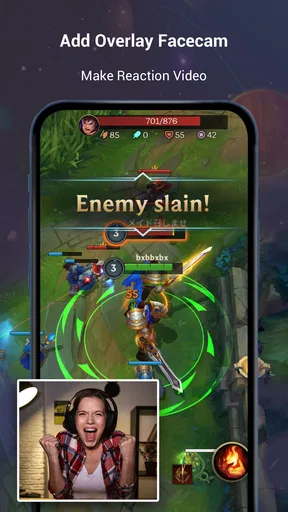
Screen Recorder Video Recorder offers a range of features including high-definition screen recording, video editing tools, and the ability to capture audio. Users can also take screenshots and utilize the facecam feature to overlay their reactions. The app supports various resolutions, bit rates, and frame rates to tailor recordings to specific needs.
Is Screen Recorder Video Recorder easy to use for beginners?
Yes, the app is designed with an intuitive interface that makes it easy for beginners to navigate. It provides on-screen controls and simple settings adjustments to start recording quickly. Additionally, the app includes tutorials and tips to help new users understand how to utilize all its features effectively.
Does Screen Recorder Video Recorder affect device performance?
Screen Recorder Video Recorder is optimized to minimize its impact on device performance. While recording high-definition video can be resource-intensive, the app offers settings to balance quality and performance. Users can adjust resolutions and frame rates to ensure smooth operation even on less powerful devices.
Are there any in-app purchases or ads in Screen Recorder Video Recorder?
The app is free to download and use, but it may include advertisements. To access premium features such as ad-free experience, advanced editing tools, and additional recording options, users can opt for in-app purchases. These enhancements provide a more comprehensive recording experience.
Is Screen Recorder Video Recorder compatible with all devices?
Screen Recorder Video Recorder is compatible with most Android and iOS devices. However, to ensure optimal performance, it's recommended to have a relatively modern device with updated operating systems. Users should check the app's specifications on the download page to confirm compatibility with their specific device model.
